NIJIKA Firmware / 虹夏
Five years of NIJIKA
NIJIKA started as a few edited files in the root filesystem of a GPON stick. It is now the firmware on more than a thousand of them. This is how it got there, one login screen at a time.
What NIJIKA is
A GPON SFP stick is a whole ONT folded into a module: a Realtek SoC, a laser and a small Linux. The vendor firmware works, but it hides what the OLT is doing, speaks to few OLTs, and leaves you guessing when the line is up and the traffic is not.
NIJIKA is that firmware opened up. The classic line lives in the Firmware_Mod folder of RTL960x: an overlay of the stick's root filesystem, one folder per model, with the web pages, boot scripts and OMCI settings I changed. You unpack the stock image, lay the overlay on top and rebuild it.
NIJIKA-Luna, in 2026, goes further: the vendor's userland is gone, and the stick runs an open base from the bootloader up.

History / 歩み
From classic firmware to NIJIKA-Luna
The first thing anyone sees is the login screen, and the second is the status page. Here are both, from every era. Select a screenshot to open it at full size.
-
2021
Classic
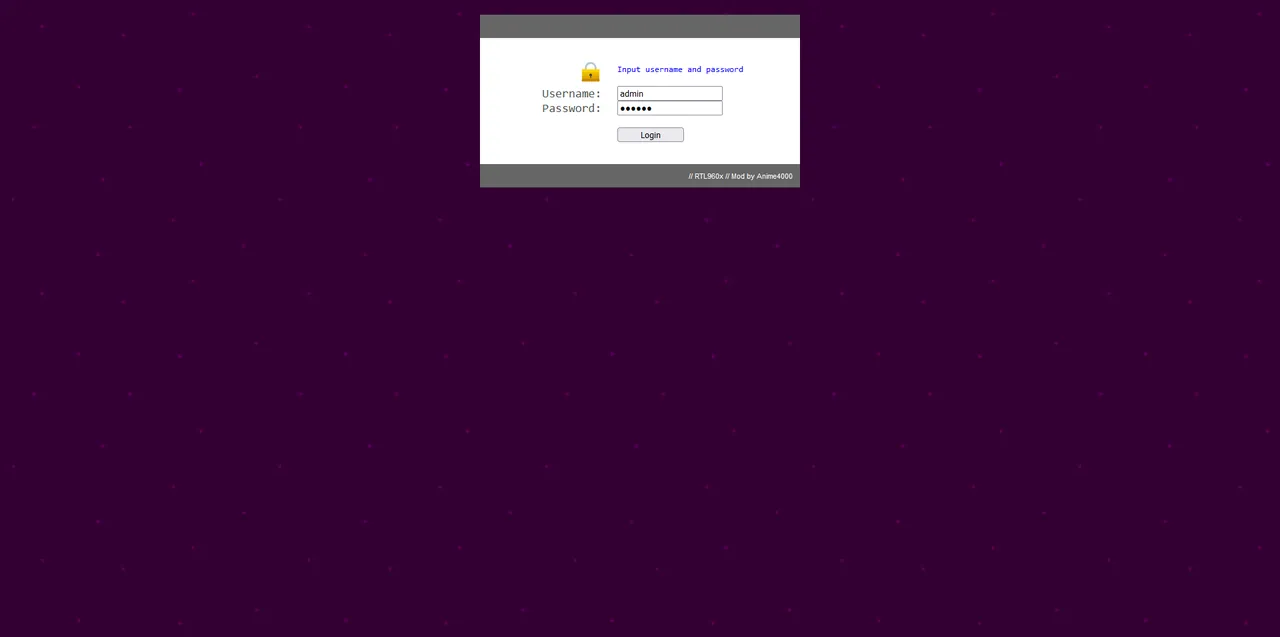
RTL9601CI VSOL V2801F · TWC TWCGPON657
Where it began: a modded root filesystem for the RTL9601CI sticks. A plain login box, then a Bootstrap status page with Status, Advanced, System and Admin menus, showing the system and LAN at a glance.
Login 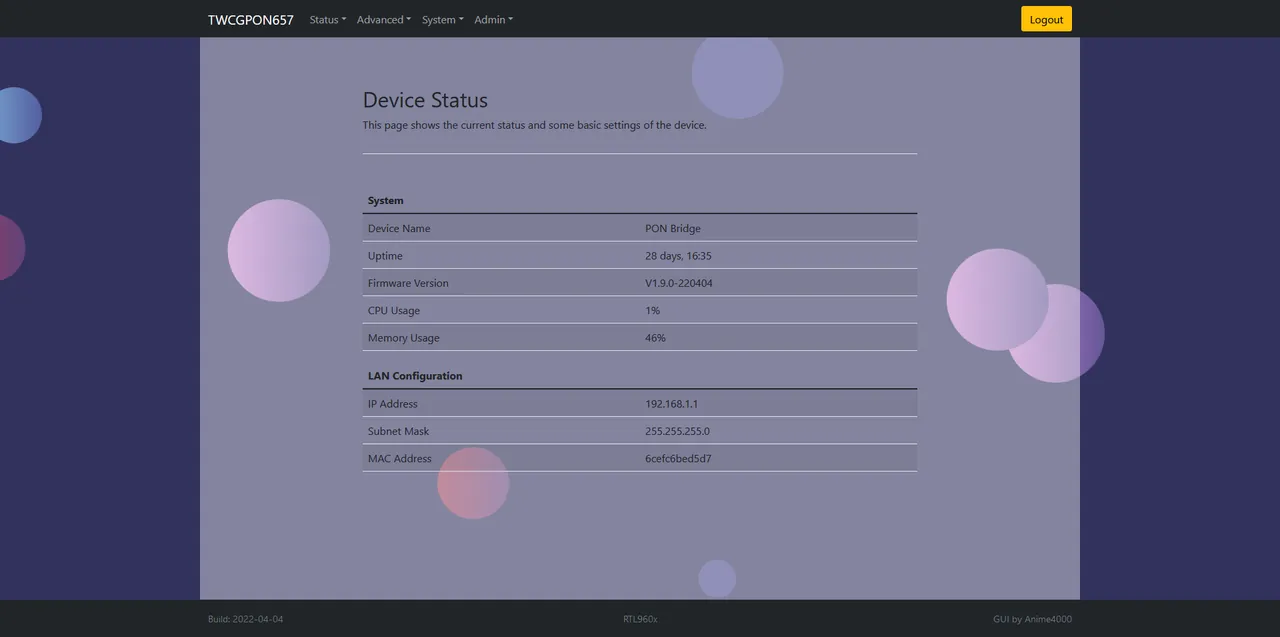
Status -
2022
RTL9601D
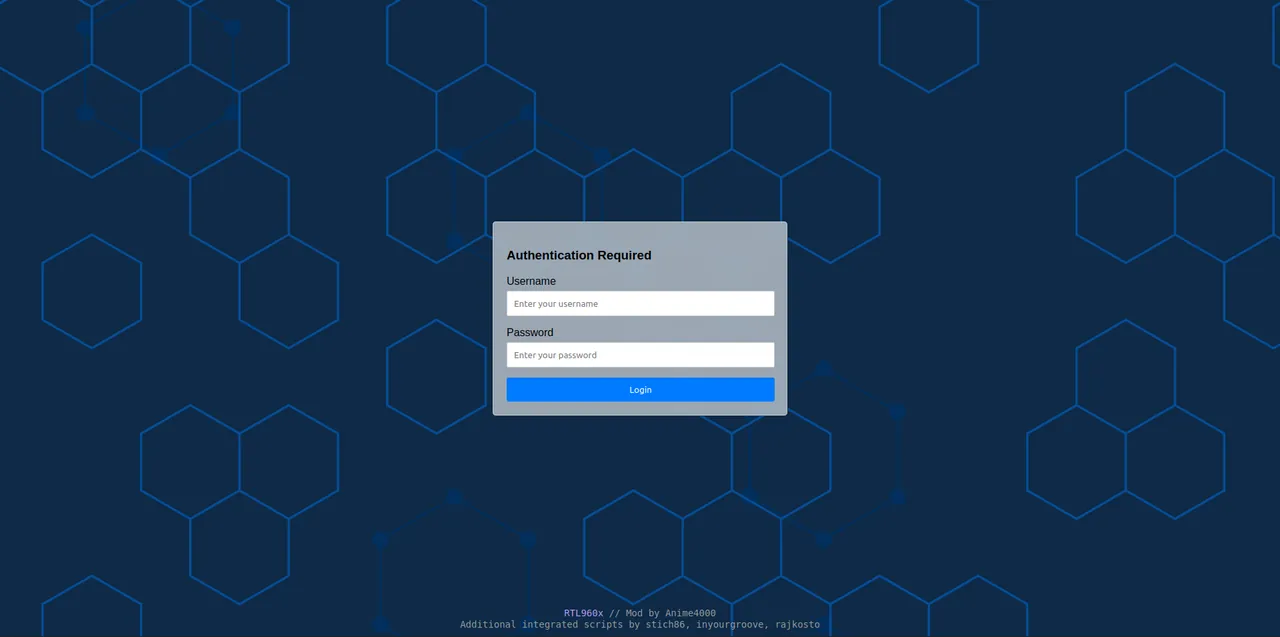
RTL9601D ODI DFP-34X-2C2
The move to the RTL9601D sticks. A proper "Authentication Required" card, and a status page that now reports the release, the system on chip and the host interface speed: 2500 Mbps over HiSGMII.
Login 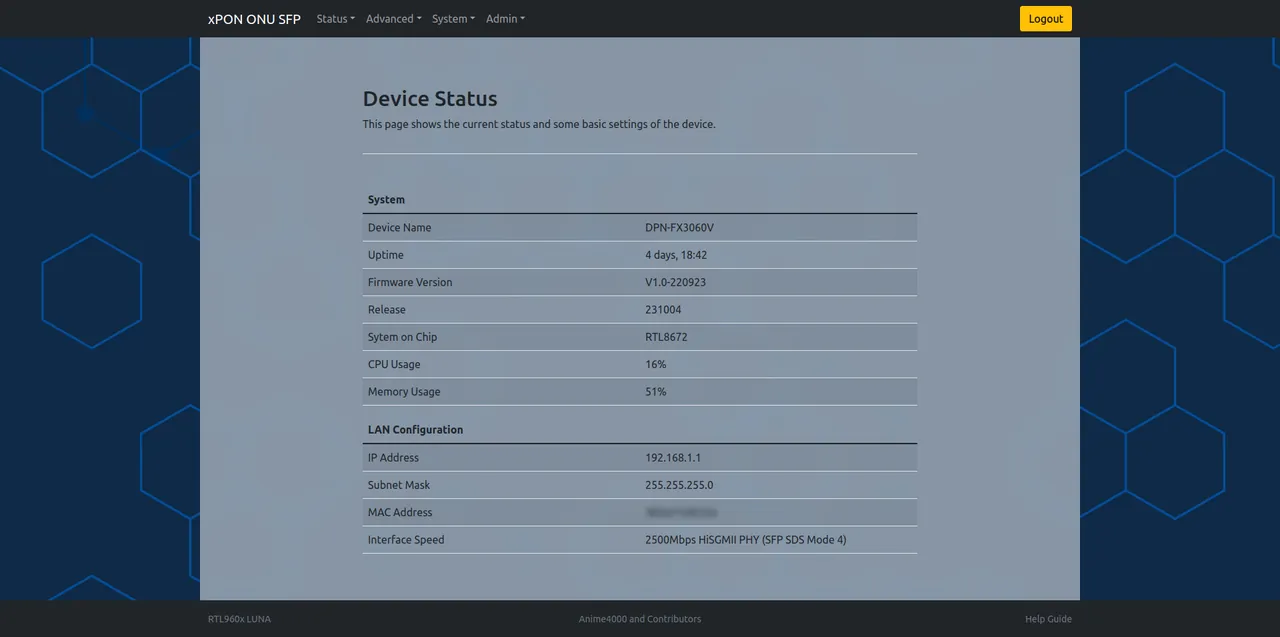
Status -
2023
Dark
RTL9601D ODI DFP-34X-2C2
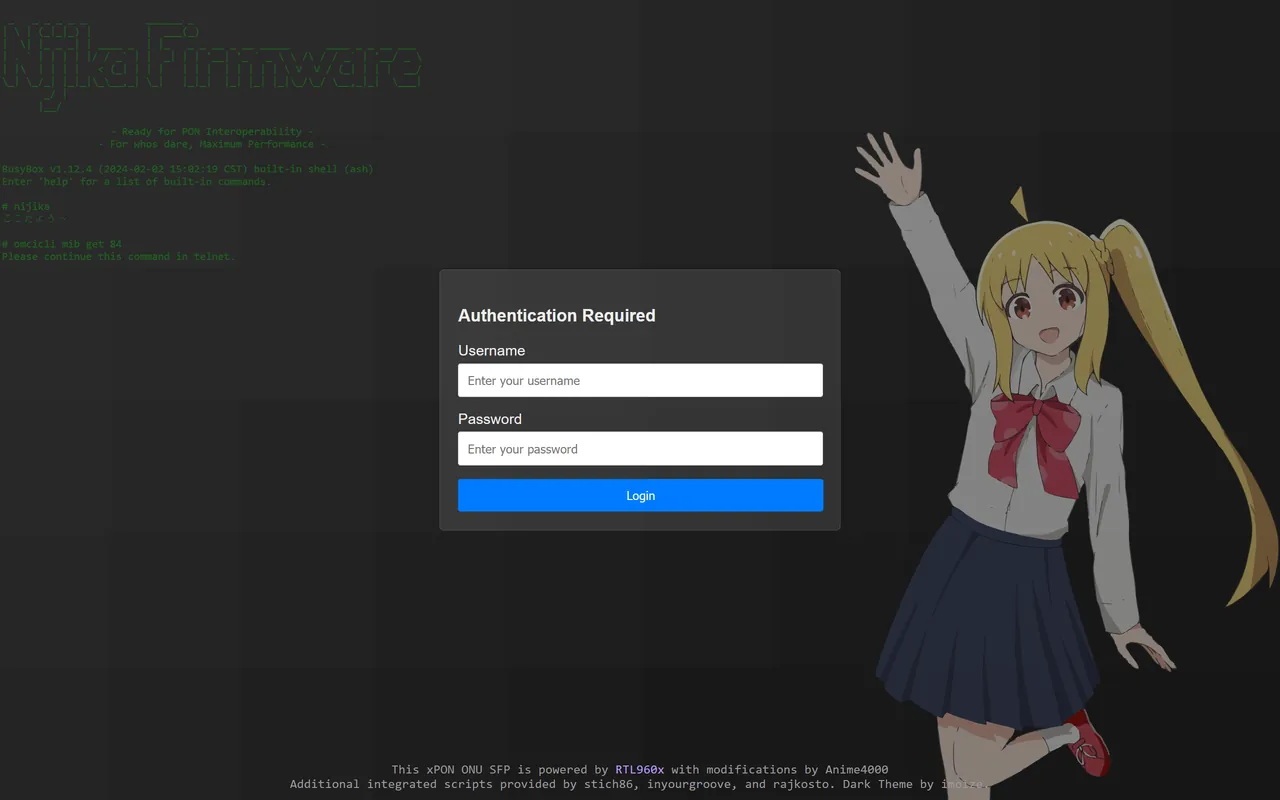
A dark theme by imoize, and the first time Nijika herself shows up: waving beside the login, with the firmware's shell banner glowing in the background. The status page adds the vendor ID and the active firmware partition.
Theme by imoize
Login 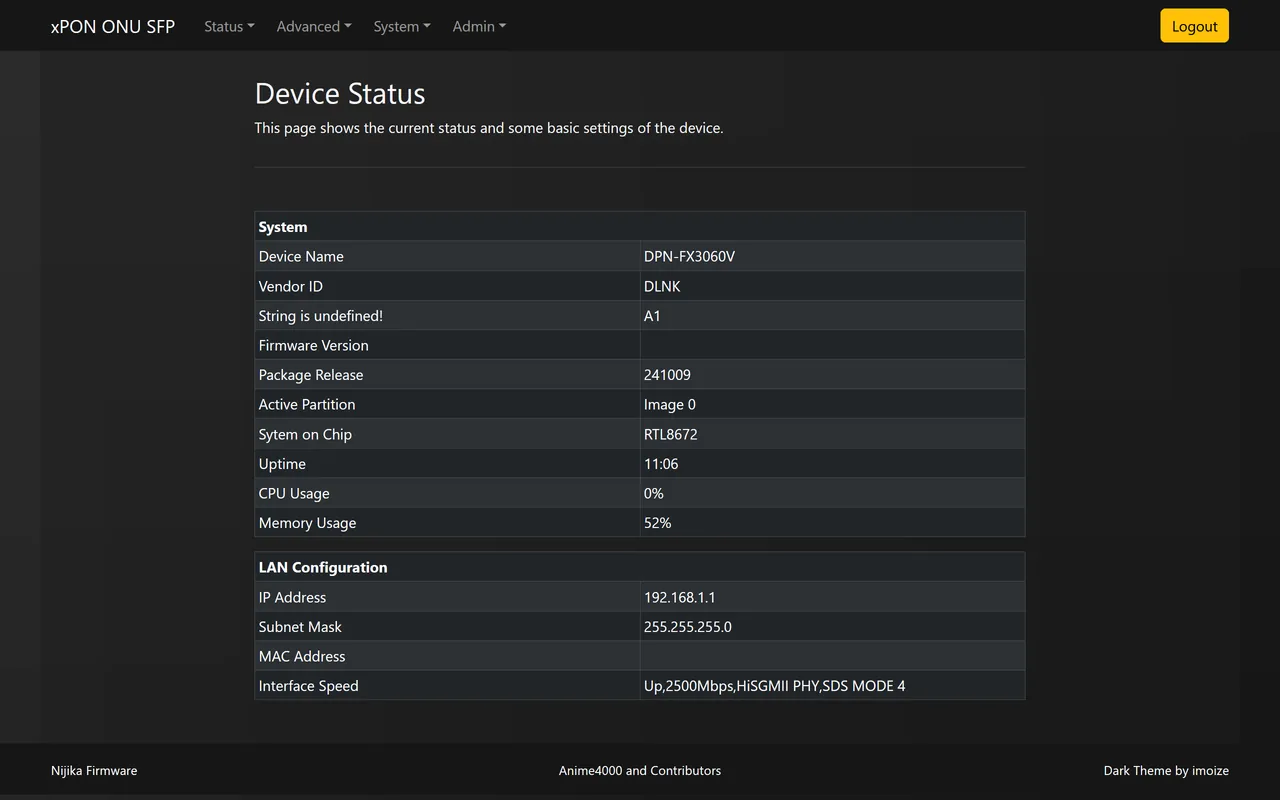
Status -
2024
Current
RTL9601D ODI DFP-34X-2C2
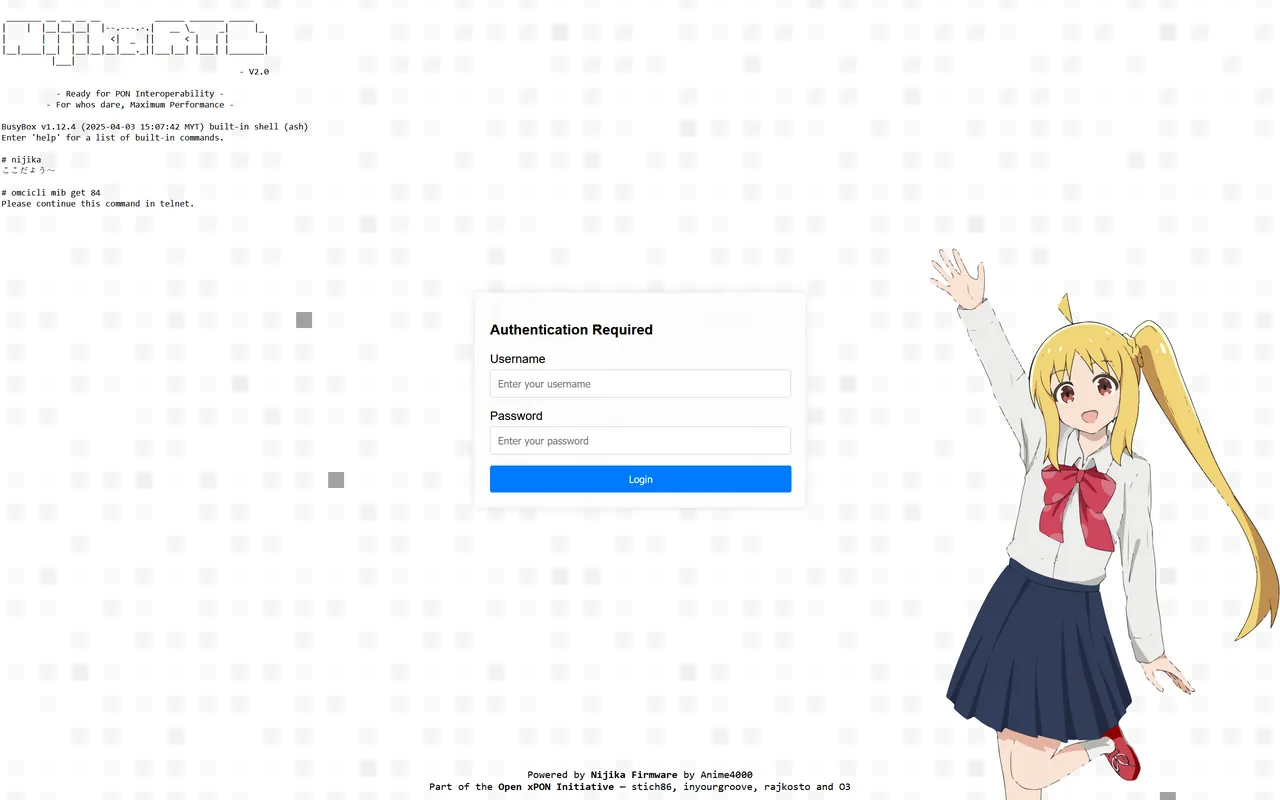
The classic firmware as most sticks in the field run it. A NIJIKA menu bar with Status, Network, GPON, System and Admin, CPU and memory as bars, the Tx L1 rate profile, and a WAN table showing which VLANs the OLT is carrying.
Login 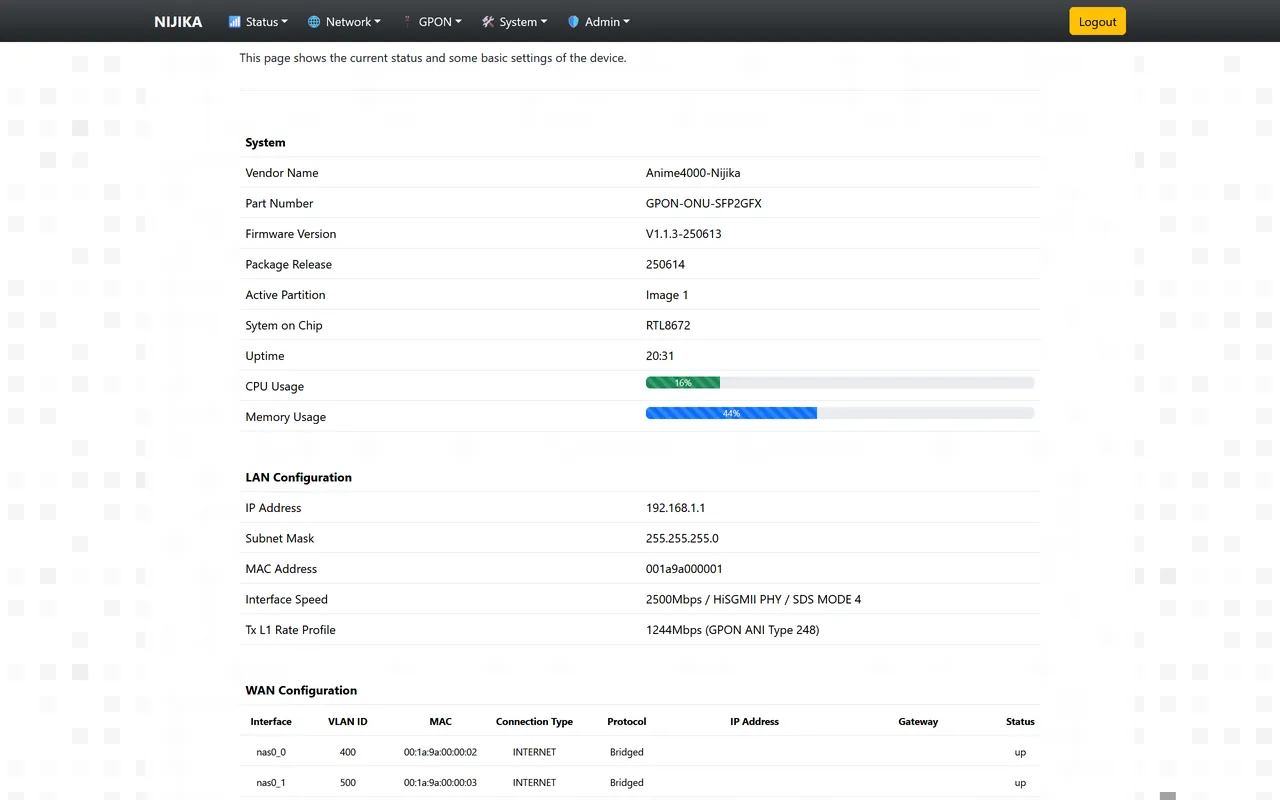
Status -
2026
NIJIKA-Luna In development
RTL9601D ODI DFP-34X-2C2 · HSGQ
A new base. Luna runs on Andre Ziviani's ODI OSS and Linux 6.18, with open switch, GPON and OMCI drivers in place of the vendor's. Nijika UI draws the line itself: PON state, light in and out against the limits, temperature, traffic and the VLANs, with the OLT's VEIP and PPTP ports marked on each.
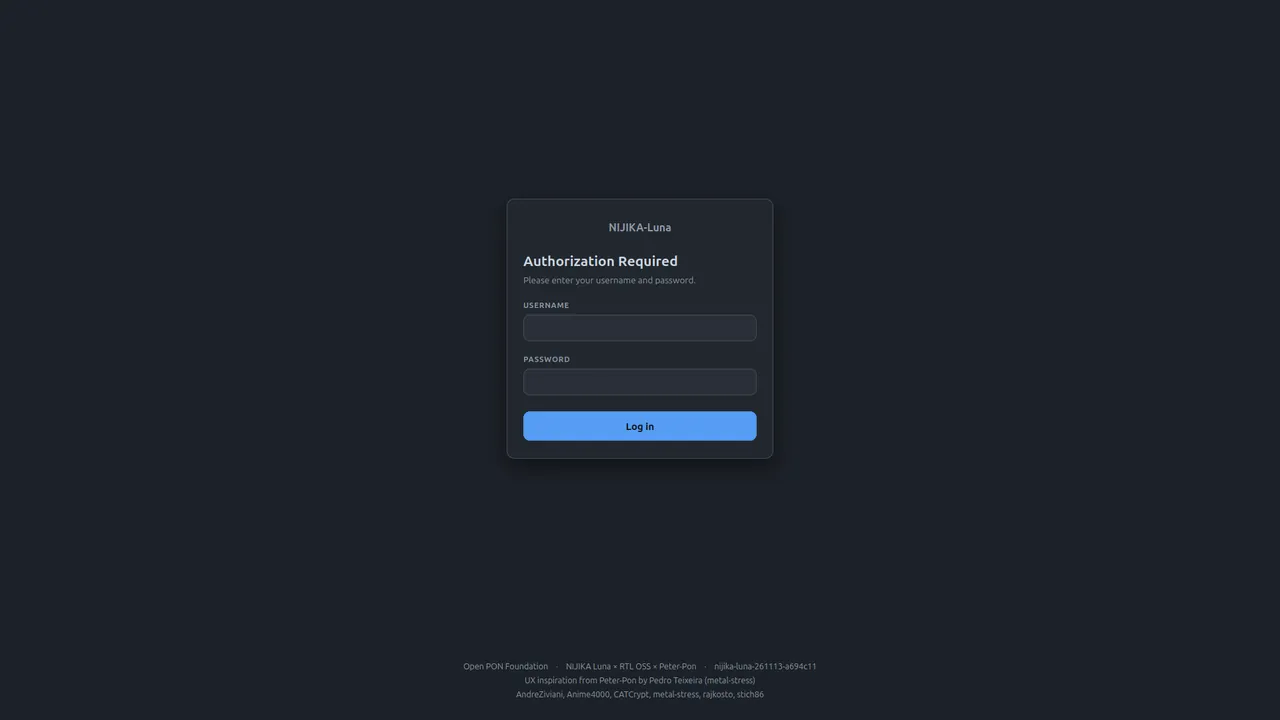
Login 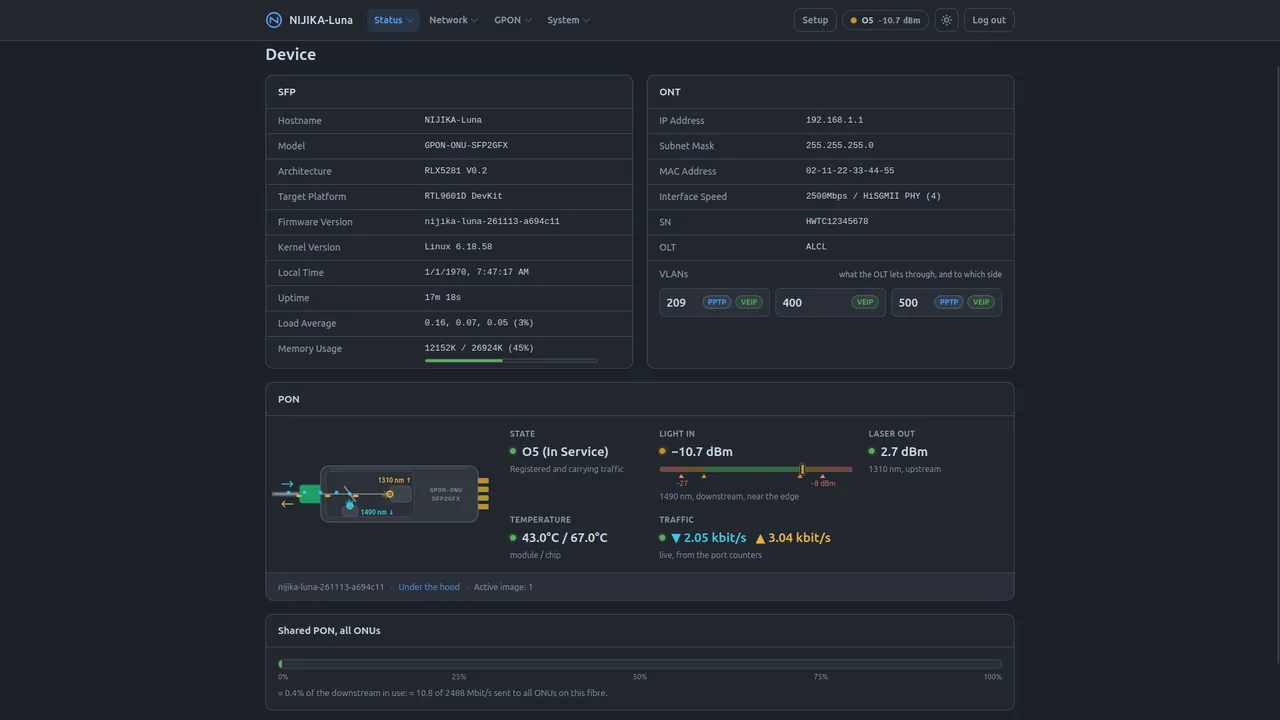
Status
Under the hood / 改造
How the classic firmware is made
Each folder in Firmware_Mod mirrors the root filesystem of one stick:
etc/ for the boot and OMCI settings, home/httpd/ for the
web server and its pages. To mod an image, run qemu-test.sh, copy in
what you need, and exit; the firmware images are rebuilt on the way out.
To change one file on a live stick there is no need to reflash. Listen with
nc -l -p 12345 > file on the stick, send it with
nc 192.168.1.1 12345 < file from a PC, then press Ctrl+C in the
stick's telnet session, since its nc does not exit by itself.
Sticks it covers / 対応機種
| Vendor | Model | SoC | Interchangeable with |
|---|---|---|---|
| ODI | DFP-34X-2C2 | RTL9601D | — |
| TWC | TWCGPON657 | RTL9601CI | V2801F |
| VSOL | V2801F | RTL9601CI | TWCGPON657 |
What the mod changes / 改良点
-
OLT info against Fake O5
A stick can report O5 to the OLT and still carry no traffic. The OLT Info page shows OMCI managed entities 84 and 171, the VLAN filtering and the extended VLAN tagging the OLT pushed, so you can see where it stops.
-
Forward Operation hacks
Some OLTs ask for a VLAN forward operation the vendor firmware will not bridge. The mod rewrites it so the traffic reaches your router.
-
Fixes in the boot scripts
Scripts under /etc/scripts that run at boot to correct the reported software version, the link speed and VLAN tagging.
NIJIKA-Luna / ルナ
A new base, the same Nijika
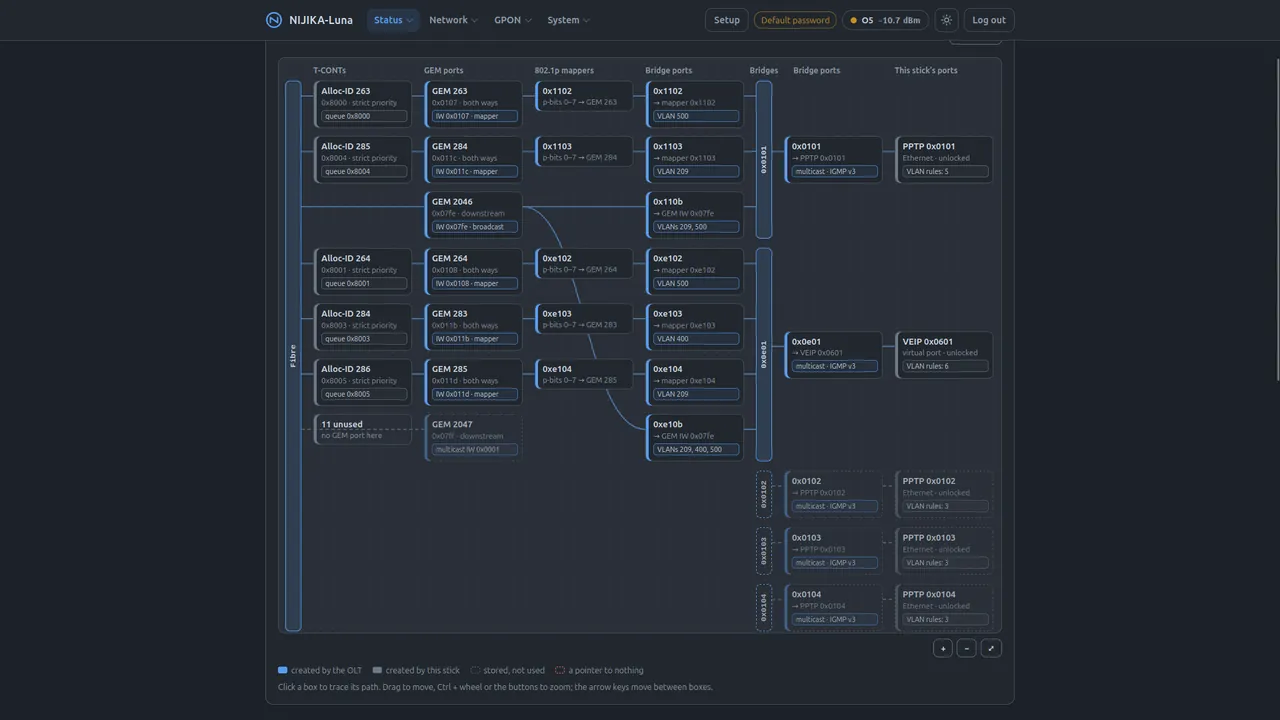
The classic firmware could only ever be as open as the vendor userland under it. Luna replaces that userland with ODI OSS: Linux 6.18 and open switch, GPON and OMCI drivers. Then it puts the Nijika parts back on top.
- nijika CLI — the quick CLI, rewritten in C: ONT identity presets, the boot slot, the host SerDes and the OMCI presentation.
- ONT presets — the classic numbering is kept, and the Huawei HG8240H is the new default.
- Nijika UI — a LuCI-style web UI that draws the line, the services and the OMCI topology, and says what each change costs before you save it.
- Safe upgrades — new firmware boots on trial first and falls back by itself if it does not come up.
Credits / 感謝
Many hands
- imoize — the dark theme
- stich86, inyourgroove, rajkosto and O3 — scripts integrated into the classic firmware
- Andre Ziviani — ODI OSS and odi-ui, the base of NIJIKA-Luna
- Pedro Teixeira (metal-stress) — Peter-Pon, the UX inspiration for Nijika UI
Illustration of Nijika: pixiv 108259505. Screenshots from RTL960x and rtl9601-nijika-ui. Read the safety notice before you put any stick on a live PON.